New release: Revit PRO Template V2 & BIM Pure Plugin v0.3
Jun 09, 2026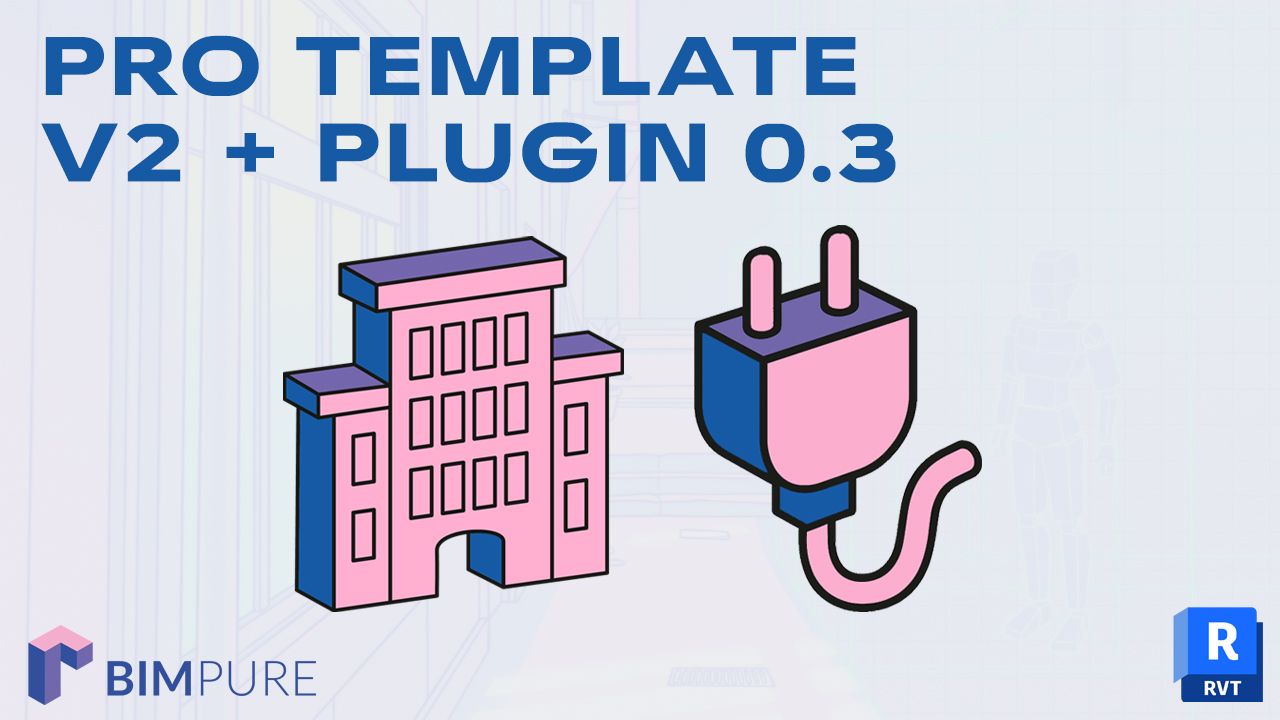
Today, we're releasing a combo of new content. Both the template and plugin are included in the BIM Pure membership. Unlock everything with an annual subscription.
Watch this livestream to see both products in action:
The first version of our Revit PRO Template was released in 2021, and has been used by thousands of users across the world.
We've fully revamped it with more features, better graphics, automated legends, and high-quality families.
We have fully revamped the graphics. Patterns are subtle, and phasing appears clearer.
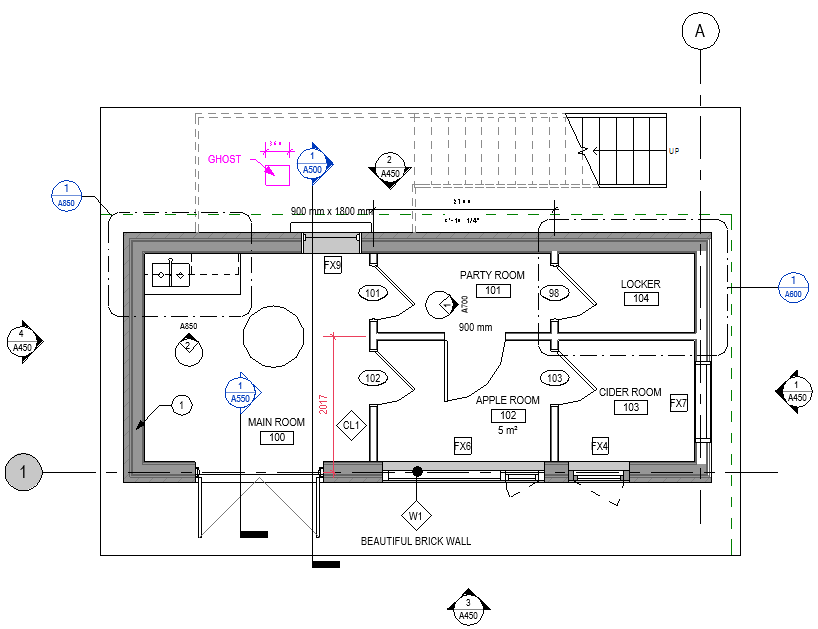
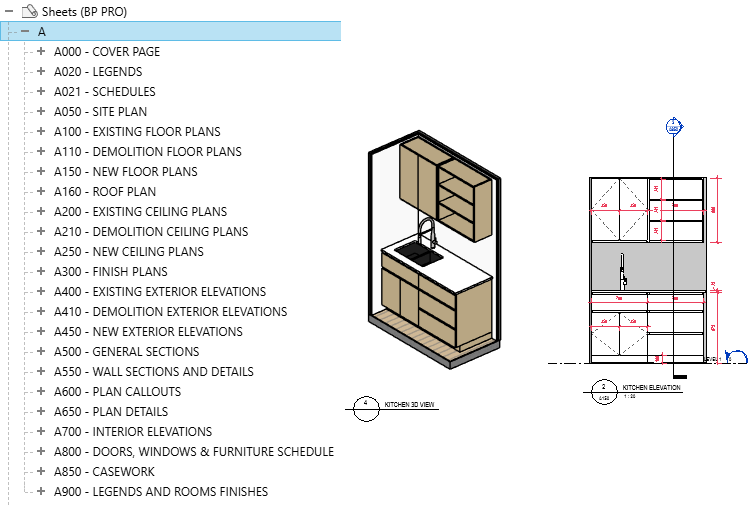
We have added more view types and sheets, based on standard architectural standards.
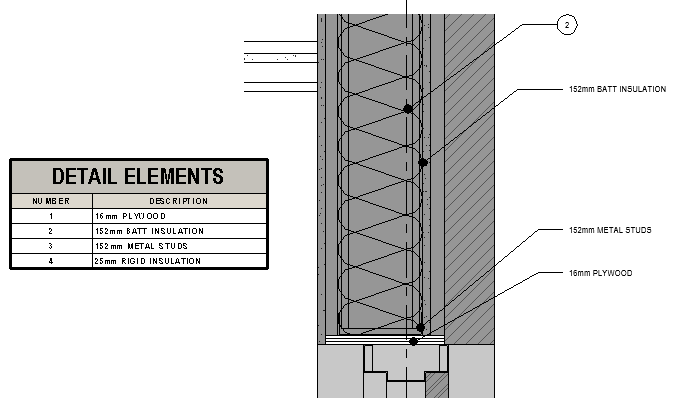
You'll find an advanced detailing workflow included, allowing you to tag and schedule detail components.
The casework, windows, and doors families are of higher quality, taken directly from our collections.
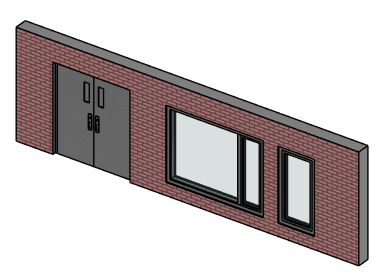
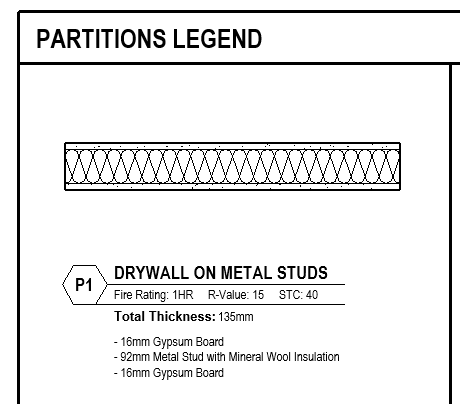
We have added legends for doors, windows, casework, and system families. Combined with our BIM Pure Plugin for Revit, you can automate legends and display all layers of system families.
Want the full list of features? Grab the template guide by clicking here.
We have updated our BIM Pure Plugin for Revit with several new features. Most of these features are made to work alongside the PRO Template. However, you can also use them with any Revit files or templates.
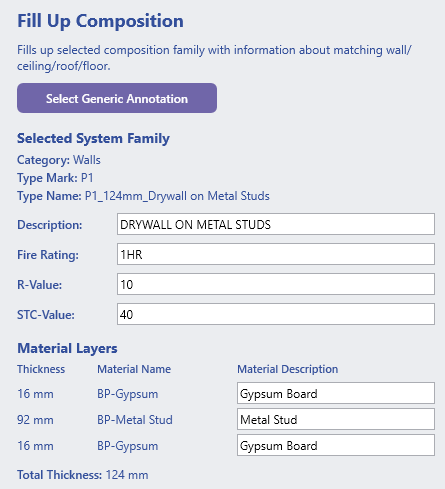
Automatically fill up system families compositions, with a generic annotation family and a detail component. You can "batch-create" the compositions with all active types in the model. This includes all material layers and thickness, the description, type mark, fire rating, STC, and R-Value.
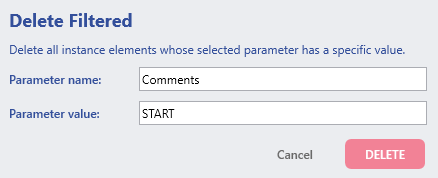
This simple tool allows you to delete all elements with a specific parameter value.
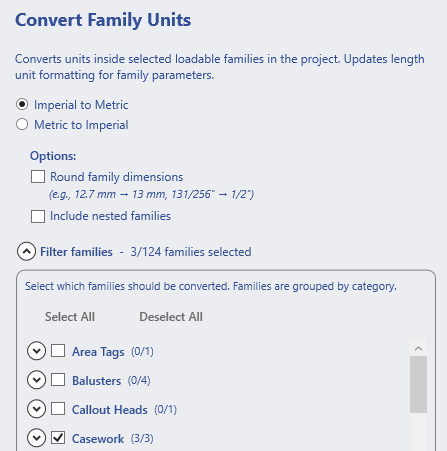
We've improved the Convert Family Units tool. This allows you to convert all families in a project from Imperial to Metric, or vice-versa. Now, you can also include all nested families and set the option to round dimension values.
This is in addition to all other features already included in the template, such as Ghost Markups, Colored Revision Clouds, and more.
We've released these two elements at the same time because they are designed to work together. Start your project by deleting the sample project in the template. Automate legend compositions. Activate worksharing and customize your worksets.
Enter your details below to get this free guide.