Revit Kitchen Week - Casework Modeling & Annotation Tips
Feb 17, 2026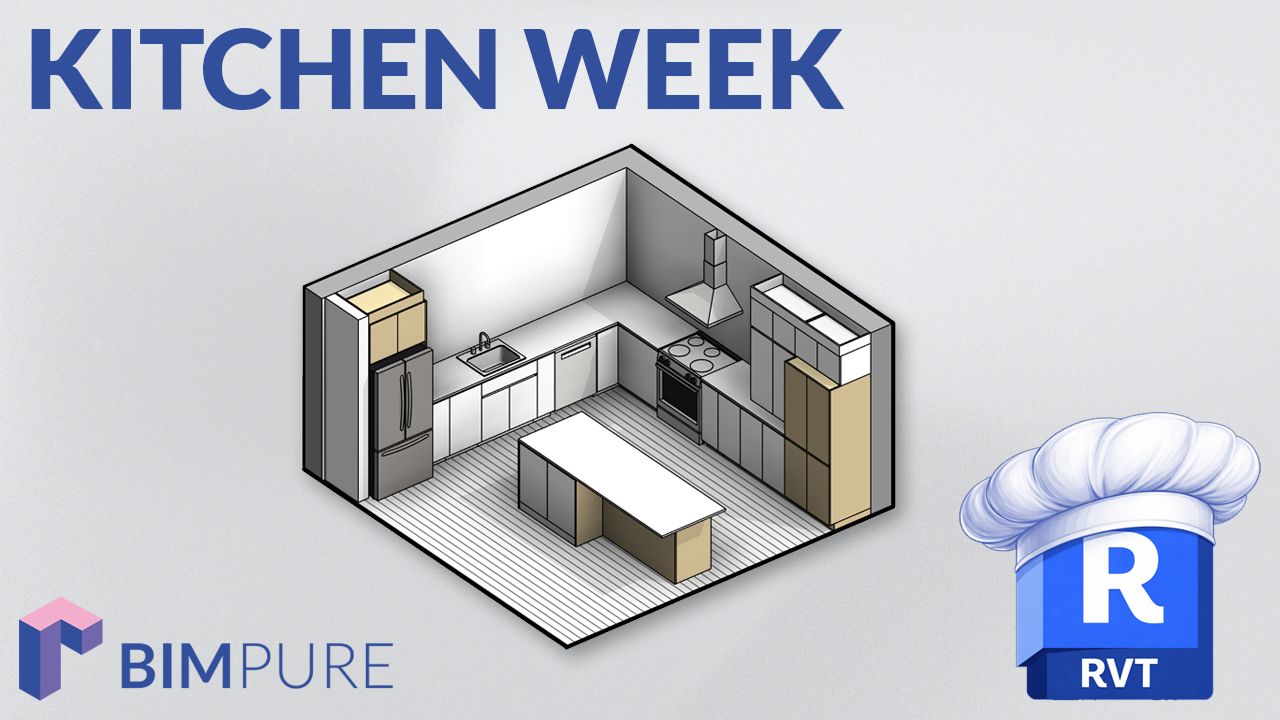
Welcome to Revit Kitchen Week. Every day, we share a new video about Revit casework, including modeling, annotation, family strategies, and scheduling.
Make sure to check out our brand new Revit casework collection. Learn more
In the first episode of the series, you will learn how to model the "Purist" kitchen in 10 minutes.
We continue working on the Purist kitchen and create a fully documented sheet. It includes elevations, sections, and 3D views with dimensioning and tags.
This is the third episode of our Kitchen Week series. In this one, we place appliances, including a dishwasher, range, fridge, and range hood. We also place a pantry, and play with visibility settings.
Then, we explore the 2D and 3D clearance parameters. Finally, you'll learn how to set up a text label for all the appliances.
This is the fourth episode in the Revit Kitchen Week series. In this one, we explore scheduling. You'll learn how to create a complete schedule, generate assembly code, and even set up a cost estimate.
The video also explores options for both instance and type-based dimensions for scheduling.
This is the final episode of our Kitchen Week series. You will learn to model and annotate a complete kitchen called "Alley".
Enter your details below to get this free guide.